
I used to keep my phone face-up on the nightstand, and most nights something would light it up at 2 a.m.: a group chat, an app I forgot to mute, a delivery alert for a neighbor. The fix was embarrassingly simple and had been sitting in my settings the whole time. Do Not Disturb silences the noise on your terms while still letting the calls that matter ring through.
Here I will explain exactly what it does, how to switch it on for Android and iPhone, and how to set it up so a call from your kid or your mum still gets through. Then I will share the everyday uses that turned it from a feature I ignored into one I rely on daily.

What Do Not Disturb Really Does
Do Not Disturb silences calls, texts, and notifications so your phone stays quiet until you turn it back on. The alerts still arrive; they just wait politely in your notification list without buzzing, ringing, or lighting up the screen. Nothing is lost. Your phone simply stops shouting for your attention.
What makes it genuinely useful is the control. You decide who and what can break through, whether that is one specific person or your morning alarm. Flip it on for a quiet hour, or set it to run every night on its own. The first time you wake up and realize the phone behaved itself all night, you are sold.
Turning It On (Android)
On most Android phones the quickest route is to swipe down from the top to open quick settings and tap the Do Not Disturb tile, usually a circle with a line through it or a small moon. One tap and the phone goes silent.
For finer control, open Settings and search Do Not Disturb. Inside, you can pick exactly which notifications get through, set a schedule, and decide whether alarms and media still play. Android also lets you hide notifications from the lock screen entirely while it is active, which is the difference between a dark, restful screen and one glowing all night.
If your phone interrupts you constantly, the real culprit is often a pile of chatty apps rather than the phone itself. Our guide on how to save battery on Android covers reining in background apps, which quietly cuts down the notifications too.
Turning It On (iPhone)
On an iPhone, Do Not Disturb lives inside Focus. Swipe down from the top-right corner to open Control Center, tap Focus, and choose Do Not Disturb. A little crescent moon shows up in the status bar so you remember it is on, which, trust me, you will want when you wonder why nobody texted back.
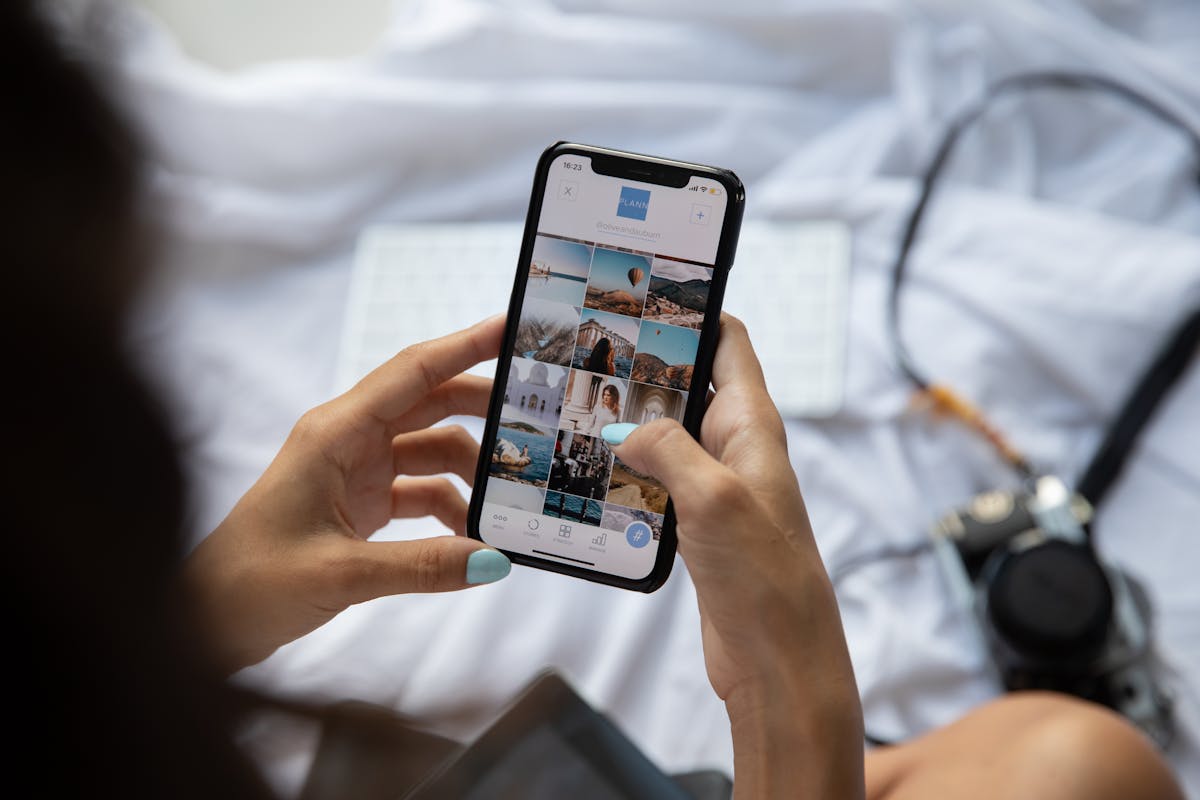
To shape it, open Settings, tap Focus, then Do Not Disturb. From here you can allow calls from certain people, let a repeated call ring through in a real emergency, and have it switch on automatically by time, by location, or even when you open a particular app. Apple walks you through each choice, so it is hard to get wrong.
Letting the Right People Through
The one fear that keeps people from using this at all is missing something urgent. Both Android and iPhone solve it with exceptions. Build a short list of favorites whose calls and texts always come through, so your child, your partner, or your parent can reach you even when everything else is muted.
There is also the repeated-calls safety net. Switch it on and a second call from the same person within a few minutes will ring even in Do Not Disturb, on the sensible bet that someone calling twice in a row genuinely needs you. With those two settings in place, the quiet stops feeling risky.
Schedules and Focus Modes
The real magic is letting it run on a schedule. Set it to switch on at bedtime and off when your alarm goes, and a stray notification will never wake you again. Tie another schedule to your work hours and your evenings finally belong to you.
iPhone pushes this further with Focus modes like Work, Personal, and Sleep, each with its own rules about who and what can reach you. Many Android phones offer similar profiles. So it is not just when you go quiet, but what kind of quiet you want for each slice of the day.
Where It Helps Most
Beyond sleep, this thing earns its keep all day. I switch it on for movies, workouts, dinners, and any stretch where I actually want to be present. Drivers use it to kill distractions; parents use it to guard a bedtime story from the buzz of a work group chat.

Even short, deliberate breaks from notifications sharpen your focus and lower the low-grade hum of stress most of us carry. Since the alerts wait safely in your list, you give up nothing by muting them for an hour. While you are tidying your phone life, our guide on how to free up storage on iPhone pairs nicely, because a clutter-free phone feels as calm as a quiet one.
If a quieter phone gets you thinking about being more deliberate online in general, our guide on how to protect your privacy online is a good next read.
A Few Last Words
Do Not Disturb is a small switch with an outsized effect on your sleep and your attention. Flip it on for a single quiet hour or schedule it to guard every night; either way, you take back control from the endless pull of notifications. Set your exceptions so the people who matter still get through, then enjoy the silence. My nightstand has been dark at 2 a.m. for two years now, and I am never going back.
Quick Recap: Use Do Not Disturb
Once you understand the basics, you will find that use Do Not Disturb is easier than it first appears. Take it step by step, and use Do Not Disturb quickly becomes part of your routine. The key to use Do Not Disturb is a little regular practice rather than trying to learn everything at once. Many beginners are surprised at how approachable use Do Not Disturb can be with the right guidance.
Remember that use Do Not Disturb is a skill, and every skill improves the more you use it. If you ever feel stuck, revisit the earlier sections, because use Do Not Disturb builds on a few simple ideas. There is no need to rush; use Do Not Disturb rewards patience and a willingness to explore. Keep this guide handy whenever you need a quick reminder about use Do Not Disturb.
With these fundamentals in place, use Do Not Disturb will feel far more natural over time. Do not be afraid to experiment, since hands-on practice is the fastest route to use Do Not Disturb. Before long, use Do Not Disturb will be second nature and save you real time. The steps above cover everything a beginner needs for use Do Not Disturb. For more detailed reference, a detailed overview of internet privacy and security is a trustworthy resource.

Daniel Vivone is a technology writer who specializes in making complex tech simple for everyday readers. At iotechblog, he covers digital security, artificial intelligence, smartphone tips, and beginner-friendly software tutorials, turning confusing concepts into clear, practical, step-by-step guides. Passionate about helping people use technology more safely and confidently, Daniel focuses on real-world advice that anyone can follow, no technical background required.