
If you have shopped for a computer recently, you have probably seen the letters SSD listed among the specifications. It is often mentioned as a reason one laptop feels faster than another. So what is an SSD, and why does it matter so much? This guide explains it in plain language, so you can understand one of the most important parts inside any modern device.
Learning what is an SSD will help you choose a better computer, understand why yours might feel slow, and decide whether an upgrade is worth it. There is no jargon required. By the end, you will know exactly what is an SSD and how it changed the way our computers work.
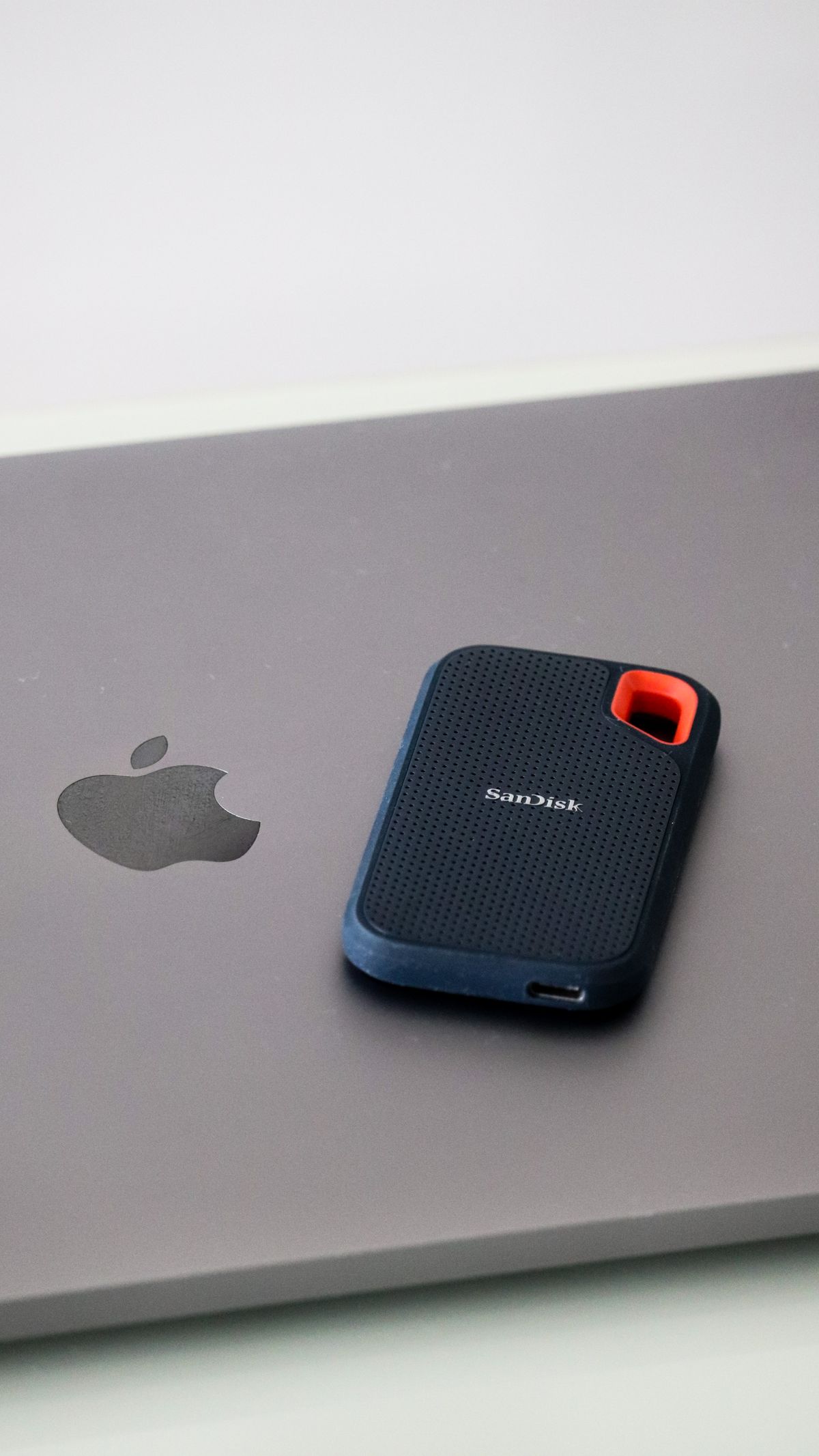
What Is an SSD in Simple Terms
SSD stands for solid state drive. It is the part of a computer that stores all your files, programs, and the operating system itself, even when the power is off. When people ask what is an SSD, the simplest answer is that it is a fast, modern replacement for the older spinning hard drive.
The word “solid state” means it has no moving parts. Instead of spinning platters and a moving arm, an SSD stores data on memory chips, similar to the ones in a phone or a memory card. This is the key to why it is so much quicker and more reliable than the technology it replaced.
This lack of moving parts also means an SSD is almost silent. Older computers with hard drives often made a faint whirring or clicking sound as the disk spun and the arm moved. With an SSD, that noise disappears completely, which is a small but welcome change many people notice right away.
How an SSD Is Different From a Hard Drive
A traditional hard drive, or HDD, stores data on a spinning disk that a tiny arm reads, much like a record player. Because it relies on physical movement, it is slower and more fragile. Understanding what is an SSD means seeing why removing those moving parts makes such a huge difference to everyday speed.
An SSD can start your computer, open programs, and load files in a fraction of the time. It is also quieter, uses less power, and survives bumps and drops far better since nothing inside is physically spinning. This is why nearly all new laptops now come with one as standard.
Knowing what is an SSD also explains why phones and tablets feel so instant. Those devices have always used similar flash memory rather than spinning disks, so they wake and open apps immediately. An SSD brings that same instant feel to a laptop or desktop computer.
- SSD: no moving parts, very fast, more durable
- HDD: spinning disk, slower, cheaper per gigabyte
- SSDs boot the computer and open apps quickly
- HDDs still offer large storage for a lower price
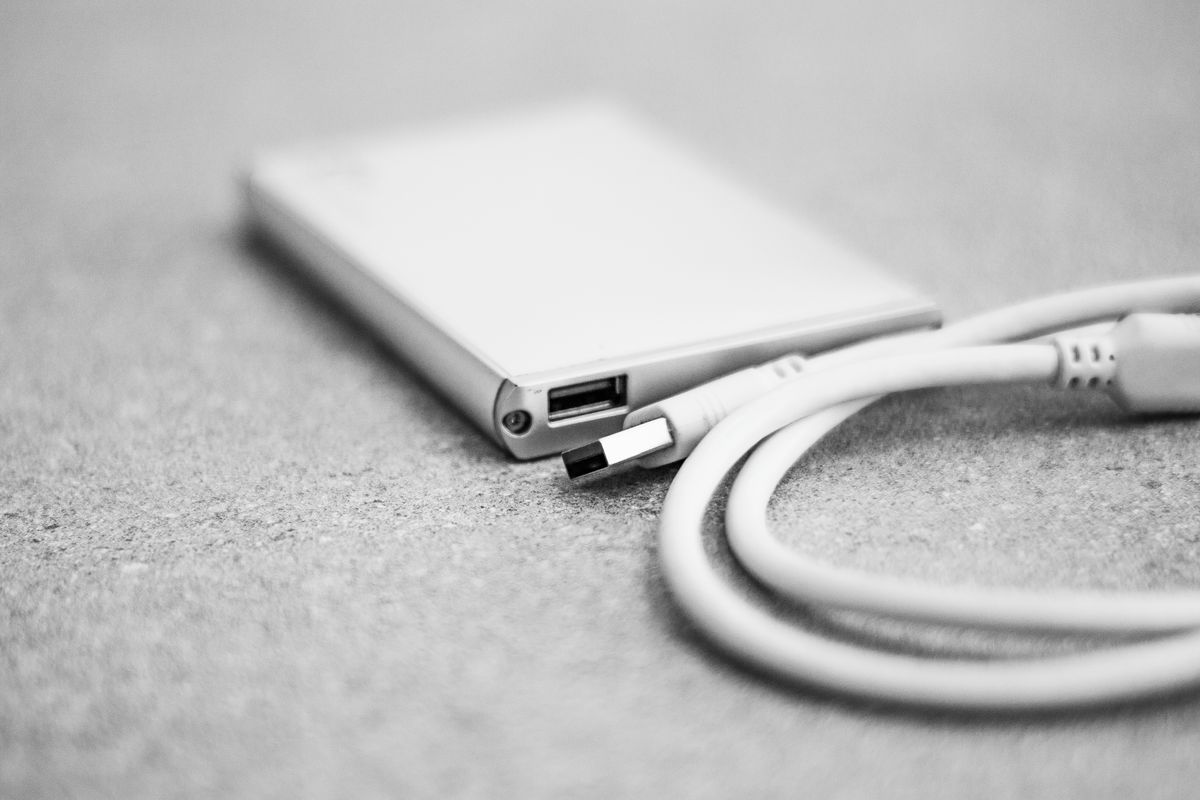
Why Speed Matters So Much
The single biggest reason to care about what is an SSD is speed. If an older computer feels painfully slow, the spinning hard drive is very often the bottleneck. Swapping it for an SSD can make a machine feel brand new, sometimes cutting startup times from a minute down to just a few seconds.
This works because everything your computer does involves reading from and writing to storage. A faster drive means less waiting for the whole system. If your computer has been dragging, our guide on how to How to Speed Up a Slow Windows 11 PC covers this and other ways to bring back some speed.
How SSDs Work With Other Parts
An SSD does not act alone. It works alongside the processor and memory to make everything feel snappy. The drive stores your data long-term, while the memory holds what you are actively using right now. Together they decide how responsive your computer feels day to day.
If you are curious about the other pieces, our guide on What Is RAM explains how memory teams up with your storage to keep everything responsive. Memory holds what you are working on right now, while the SSD keeps it safe for the long term.
The processor matters too, and our guide on What Is a CPU shows how it does the actual thinking while the SSD feeds it data quickly. Understanding all three gives you a clear picture of why one computer feels fast while another struggles with the same tasks.

Should You Upgrade to an SSD?
If you have an older laptop or desktop still running on a hard drive, adding an SSD is one of the most cost-effective upgrades you can make. Prices have fallen a great deal, and the boost in speed is dramatic. Many people are amazed that an aging computer can feel usable again after the swap.
If you are not comfortable opening up a computer yourself, most repair shops will fit an SSD quickly and inexpensively. They can also copy your existing files across so nothing is lost. It is one of the few upgrades where the improvement is so obvious that people often wish they had done it years earlier.
When shopping, you will see different sizes and connection types, but any SSD will beat a hard drive for speed. For a thorough technical breakdown of the technology, the Wikipedia article on solid state drives is a reliable, neutral place to read more.
Quick Recap
So what is an SSD? It is a solid state drive, a fast storage device with no moving parts that has largely replaced the older spinning hard drive. It boots your computer, opens programs, and loads files far more quickly, while using less power and surviving knocks better. Upgrading an old machine to one is a cheap way to feel a big difference. Now you know exactly what is an SSD and why it matters.

Daniel Vivone is a technology writer who specializes in making complex tech simple for everyday readers. At iotechblog, he covers digital security, artificial intelligence, smartphone tips, and beginner-friendly software tutorials, turning confusing concepts into clear, practical, step-by-step guides. Passionate about helping people use technology more safely and confidently, Daniel focuses on real-world advice that anyone can follow, no technical background required.