
Staring at a blank page is one of the hardest parts of writing, but you no longer have to do it alone. Learning to use an AI writing assistant can help you draft emails, fix grammar, and brainstorm ideas in seconds. In this simple guide, you will learn how to use an AI writing assistant effectively, even if you have never tried one before. The goal is to make writing faster and less stressful, not to replace your own voice.
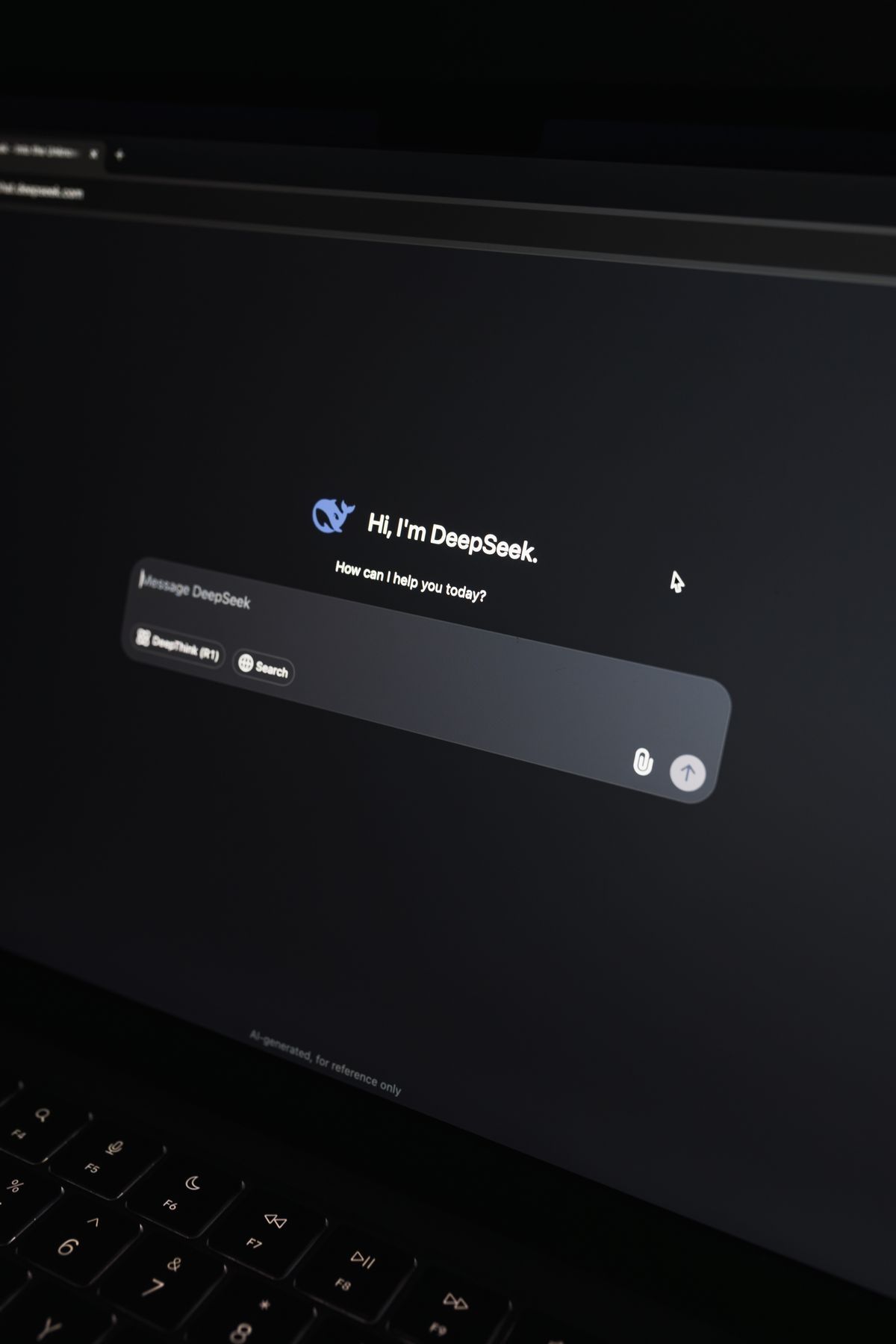
An AI writing assistant is a tool that understands plain language and generates text based on your requests. Popular examples work inside apps, browsers, and email programs. When you use an AI writing assistant, you type what you need and it produces a draft you can edit and refine to fit your style. Some assistants live inside familiar programs like your email or word processor, while others open in a separate chat window. Either way, the basic idea is the same.
Why You Should Use an AI Writing Assistant
The biggest reason to use an AI writing assistant is speed. A task that once took thirty minutes, like writing a polite reply or summarizing a long note, can now take two. These tools are a close relative of chatbots, so our guide on what ChatGPT is gives helpful background before you dive in.
It also helps with quality. An assistant can catch typos, suggest clearer wording, and adjust the tone from casual to formal. If English is not your first language, or you simply want a second opinion, this support is genuinely useful in everyday work and personal messages alike. Students use it to polish essays, small business owners use it for customer replies, and busy parents use it to draft school emails in a hurry.
- Draft emails, letters, and posts in seconds
- Fix grammar, spelling, and awkward phrasing
- Change the tone to be more formal or more friendly
- Brainstorm ideas, titles, and outlines quickly
- Summarize long text into short, clear points
How to Use an AI Writing Assistant Step by Step
Start by choosing a tool. Many are free to try in a web browser or as an app. Once it is open, the key skill is writing a clear request, often called a prompt. To use an AI writing assistant well, tell it who the message is for, what you want to say, and the tone you prefer.

For example, you might type: “Write a friendly two-sentence reply thanking my coworker for their help.” The clearer your instructions, the better the result, so include any key details such as names, deadlines, or the length you want. Vague requests produce vague drafts, while specific ones produce something you can almost use as is. Our guide on writing better ChatGPT prompts shares simple tricks that work with almost any assistant.
Always read and edit the draft before you send it. An assistant is a helper, not a final author, so add your own details and double-check any facts. When you use an AI writing assistant this way, the final message still sounds like you rather than a robot. The best results come from treating the draft as a starting point you shape, not a finished product you copy blindly.
Getting the Best Results and Staying Safe
Keep your requests specific and break big tasks into smaller steps. If the first draft is not quite right, tell the assistant what to change, such as “make it shorter” or “sound more professional.” You can also ask it to condense long content, much like our guide on using AI to summarize text describes.
Be mindful of privacy. Do not paste passwords, financial details, or private personal information into any assistant. Treat these tools as helpful drafting partners, and always keep sensitive data out of your prompts to protect yourself. Also remember that assistants can occasionally state something incorrect with full confidence, so verify names, dates, and figures before you rely on them.

If you want to explore a popular option and its official guidance, OpenAI keeps clear documentation. You can read it directly at the OpenAI Help Center for more details.
Quick Recap
To sum up, when you use an AI writing assistant you can draft, edit, and improve your writing far faster than before. Choose a tool, write a clear prompt that includes the audience and tone, and always review the draft with your own eyes. Break big tasks into smaller requests, and keep private information out of your prompts. Used wisely, these tools save time without replacing your voice. Try one today, use an AI writing assistant on your next email, and see how much easier writing becomes.

Daniel Vivone is a technology writer who specializes in making complex tech simple for everyday readers. At iotechblog, he covers digital security, artificial intelligence, smartphone tips, and beginner-friendly software tutorials, turning confusing concepts into clear, practical, step-by-step guides. Passionate about helping people use technology more safely and confidently, Daniel focuses on real-world advice that anyone can follow, no technical background required.