
If you have internet at home, you almost certainly have a router, even if you have never given it a second thought. It is the small box with blinking lights that quietly connects all your devices to the web. So what is a router, and how does it actually do its job? This guide answers exactly that in plain language, so you understand the device your whole home depends on.
Knowing what is a router helps you fix common problems, keep your connection secure, and get faster speeds. You do not need any technical background to follow along. By the end, you will understand what is a router doing behind the scenes every time you stream, browse, or video call.
What Is a Router in Simple Terms
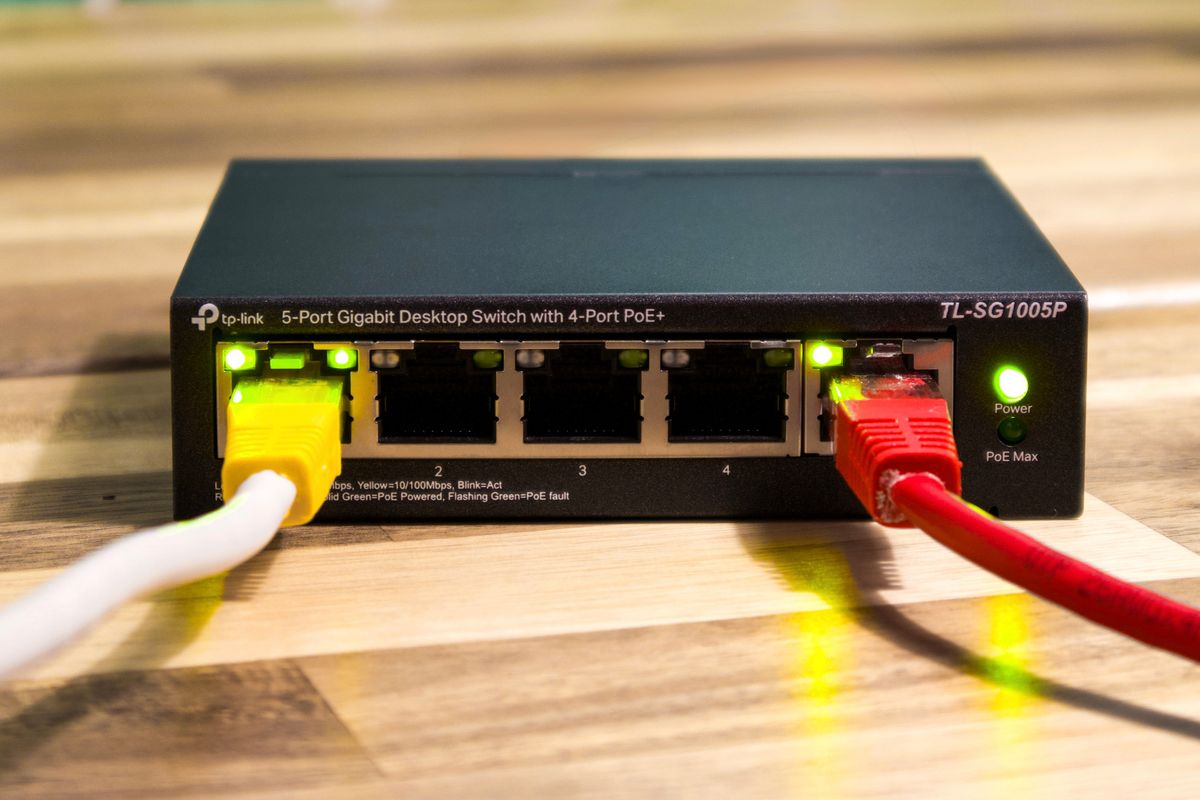
In simple terms, a router is a device that directs internet traffic between your home devices and the wider internet. When you ask what is a router, the shortest answer is that it is the traffic controller of your network. It takes the single connection coming into your home and shares it among your phone, laptop, TV, and everything else.
The name gives it away: a router “routes” data. It decides where each piece of information should go, making sure the video you requested arrives at your tablet and not your neighbor’s phone. Without it, only one device could use the connection at a time, and none of them could talk to each other.
It also acts as a basic gatekeeper. A router includes a simple firewall that quietly blocks unwanted traffic from the internet before it ever reaches your devices. This is one reason your computers are not constantly bombarded by every stranger online, and it is part of why understanding what is a router matters for your security.
How a Router Works
Your internet arrives through a cable from your provider, usually into a modem. The router connects to that modem and creates a local network in your home. Understanding what is a router doing here means picturing it handing out addresses to each device, a bit like giving every guest at a party a name tag so messages reach the right person.
The router then broadcasts a wireless signal, which is your Wi-Fi. Devices connect to it using the network name and password. In many homes the modem and router are combined into one box, which is why people often use the words loosely. If you want the full picture of the wireless part, our guide on What Is Wi-Fi pairs nicely with this one.
- The modem brings internet into your home
- The router shares that connection among devices
- It assigns each device a local address
- It broadcasts the Wi-Fi signal you connect to
- It blocks unwanted traffic with a basic firewall

Wired and Wireless Connections
A router usually offers two ways to connect. Wired connections use an Ethernet cable plugged into the back, giving the fastest and most stable link, which is great for gaming consoles or desktop computers. Wireless connections use Wi-Fi, offering the freedom to move around with a laptop or phone.
Understanding what is a router offering in terms of connections helps you set up your home wisely. Devices that stay in one place, like a smart TV or desktop, benefit from a wired link, while everything you carry around is better on Wi-Fi. Mixing the two gives you the best of both speed and freedom.
Most people rely mainly on Wi-Fi for convenience. If your signal is weak in far corners of your home, you can add extenders or a mesh system. Knowing what is a router capable of helps you decide whether an upgrade is worth it, especially in a larger house with thick walls.
Modern routers also handle many devices at once far better than older ones. In a busy home with phones, laptops, smart speakers, and streaming sticks all connected together, a newer router keeps everything running smoothly. If yours is more than five or six years old, an upgrade can make a noticeable difference to speed and reliability.
Keeping Your Router Secure
Because everything flows through it, your router is an important part of your home security. Change the default admin password as soon as you set it up, since the factory one is easy for strangers to look up. Keep the router’s software updated too, as makers release fixes for newly discovered flaws.
It is also wise to use a strong Wi-Fi password and, if you have visitors often, a separate guest network. Our guide on how to How to Create a Strong Password will help you pick something secure that you can still remember when you need it.
If you often have visitors, it is worth setting up a separate network just for them. Our guide on how to use a How to Safely Use Public Wi-Fi covers the safe-browsing habits that apply whenever you or your guests connect away from a trusted home network.
Common Router Problems and Fixes
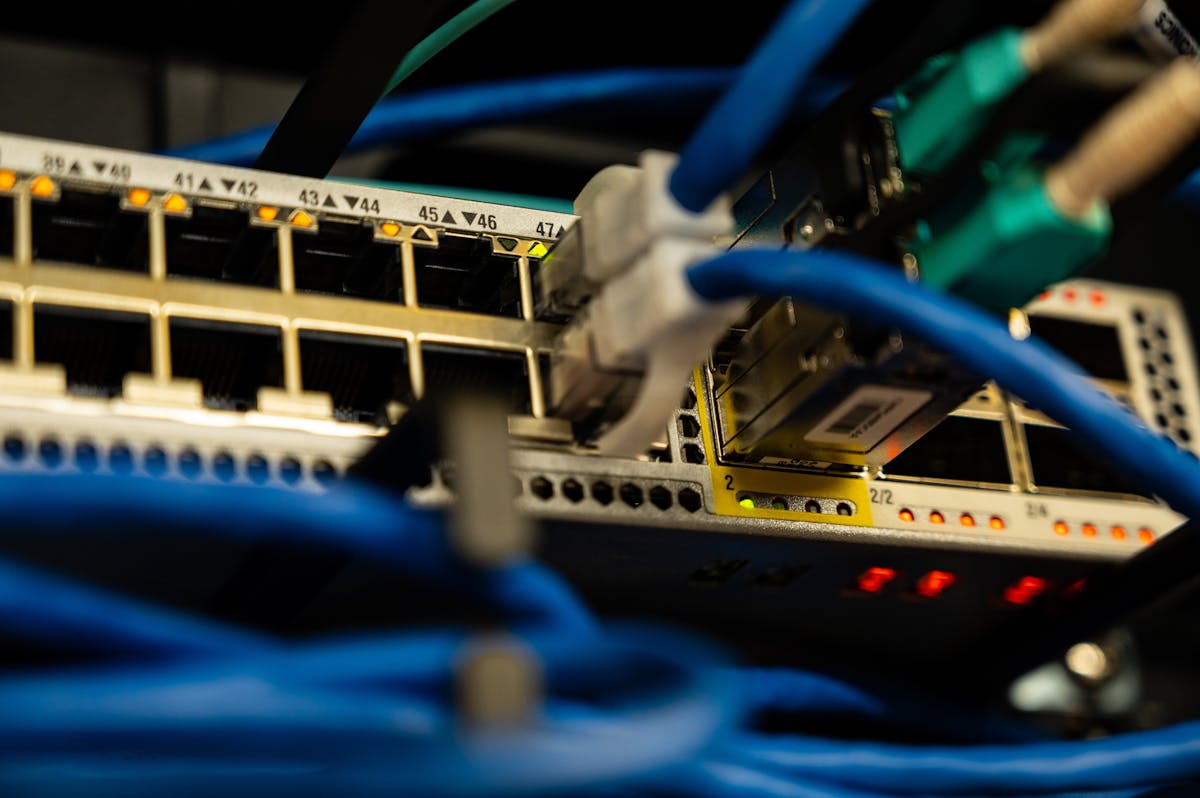
When the internet acts up, the router is often the culprit, and the classic fix really does work: unplug it, wait thirty seconds, and plug it back in. This clears temporary glitches and reconnects it to your provider. If problems continue, check that all cables are snug and that the provider is not having an outage.
Restarting works so often because a router is a small computer that can get bogged down after running non-stop for weeks. Giving it a fresh start clears its memory and lets it renew its connection cleanly. Some people even plug their router into a simple timer so it restarts on its own once a week, avoiding slowdowns before they begin.
Slow speeds can come from too many devices, an old router, or interference from other electronics. Moving the router to a central, open spot often helps a lot. For a deeper technical definition and history, the Wikipedia article on routers is a clear, neutral reference you can trust.
Quick Recap
So what is a router? It is the device that shares your single internet connection among all your home devices and broadcasts your Wi-Fi. It routes data to the right place, assigns local addresses, and provides basic security. Keep its software updated and its password strong, and restart it when things go wrong. Now you know exactly what is a router and why it is the heart of your home network.

Daniel Vivone is a technology writer who specializes in making complex tech simple for everyday readers. At iotechblog, he covers digital security, artificial intelligence, smartphone tips, and beginner-friendly software tutorials, turning confusing concepts into clear, practical, step-by-step guides. Passionate about helping people use technology more safely and confidently, Daniel focuses on real-world advice that anyone can follow, no technical background required.